
Guests & Invites
Add guests, import CSV, send invites, manage links, guest of honour, and bulk actions.
Guest list
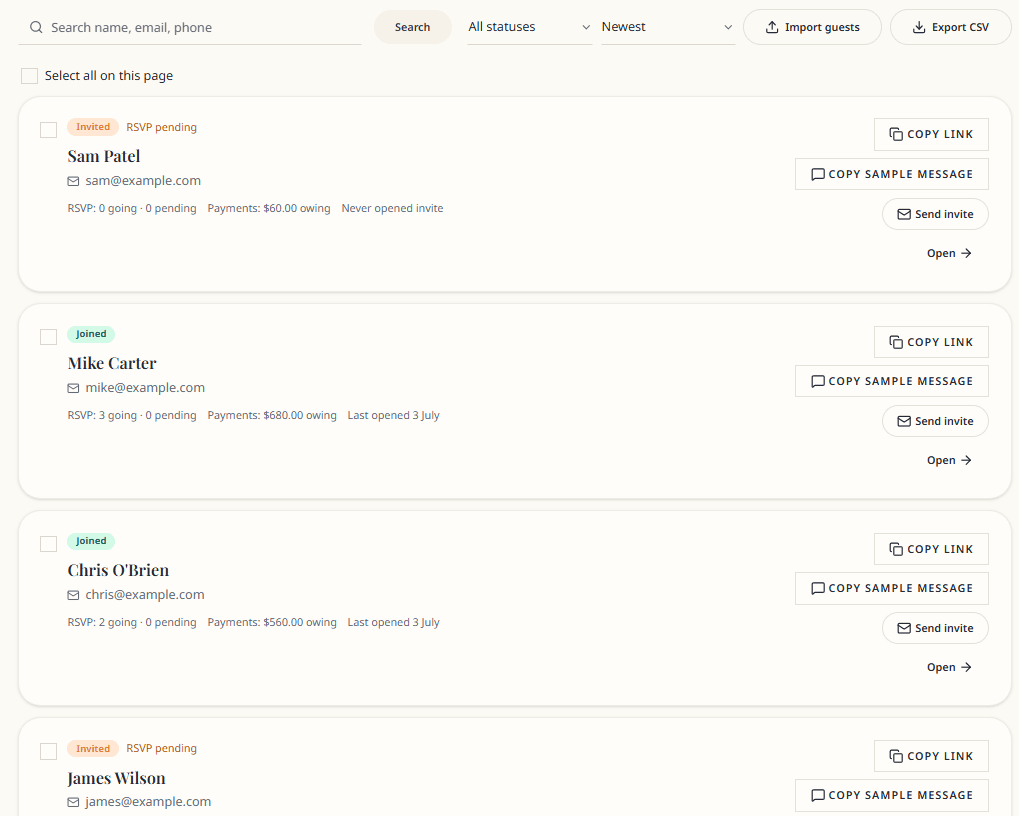
Guests page features:
- Add guest — single guest form
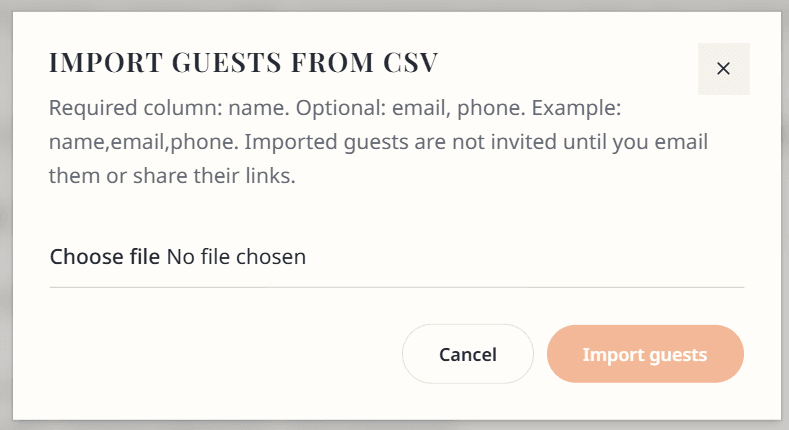
- Import guests — CSV upload (
name,email,phone) - Export CSV — download guest data
- Search by name or email
- Filter — All, Invited, Joined, Declined, Archived
- Sort — Name, Newest, Oldest, Recently active
Guest statuses
| Status | Meaning |
|---|---|
| Invited | On your list; may not have opened link yet |
| Joined | Completed join form via invite link |
| Declined | Guest declined (if used) |
| Archived | Removed from active list; link disabled |
Add a guest
- Guests → Add guest
- Name (required), email, phone
- Save — invite token generated automatically
- No email is sent until you choose to invite
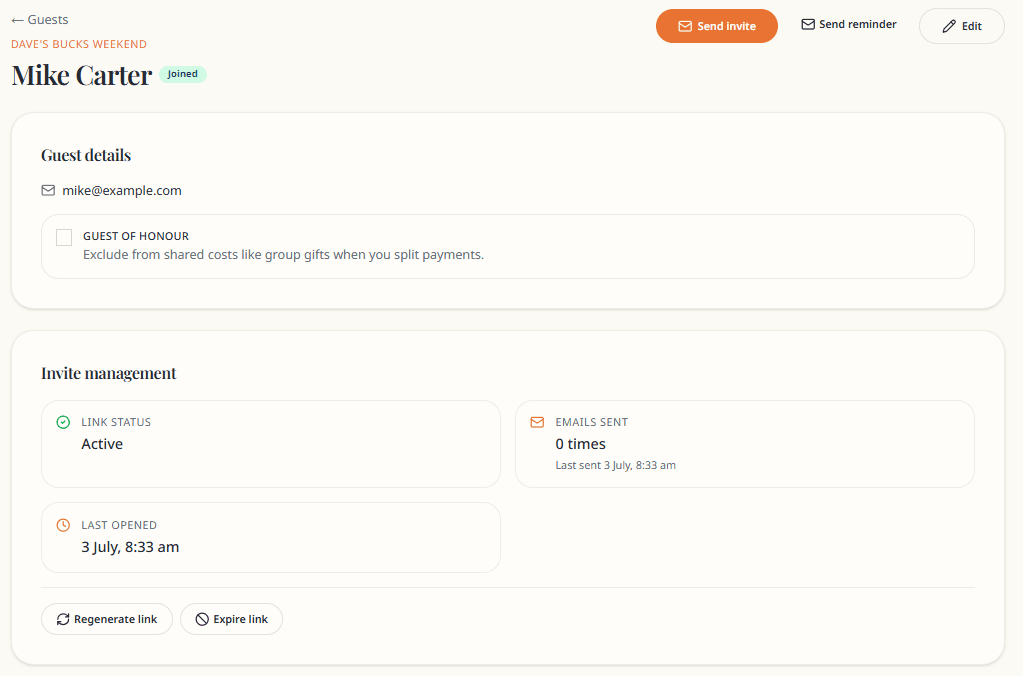
Guest profile
Click a guest to open their profile:
- Contact details and Edit
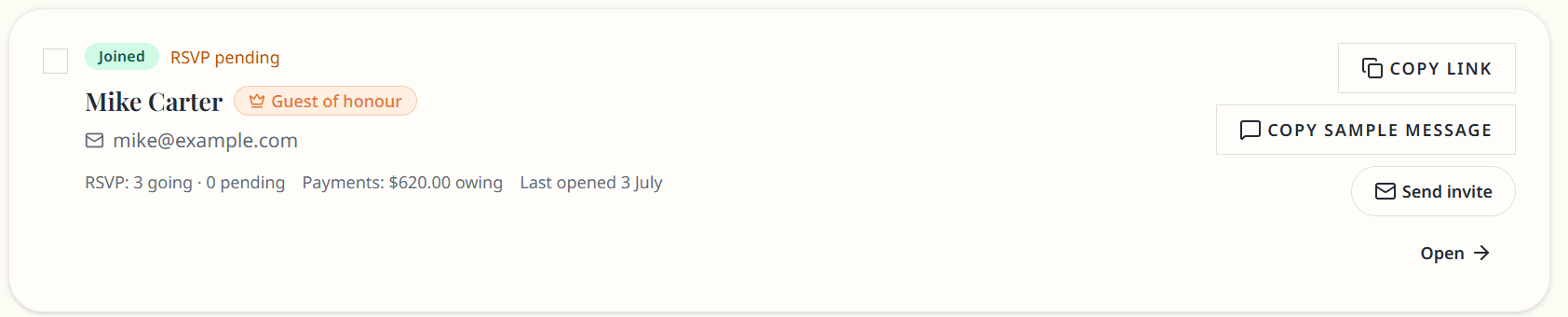
- Guest of honour toggle
- RSVP summary per activity
- Payment summary (owed / paid / outstanding)
- Invite panel — link, code, send, copy, regenerate, expire
- Archive guest
Invites
See Invite guests for the full flow.
Invite code: 8-character code (e.g. DAVE2K9M) — works like the long link. Old long tokens still work for backwards compatibility.
Link status: Active · Expired · Archived
Bulk actions
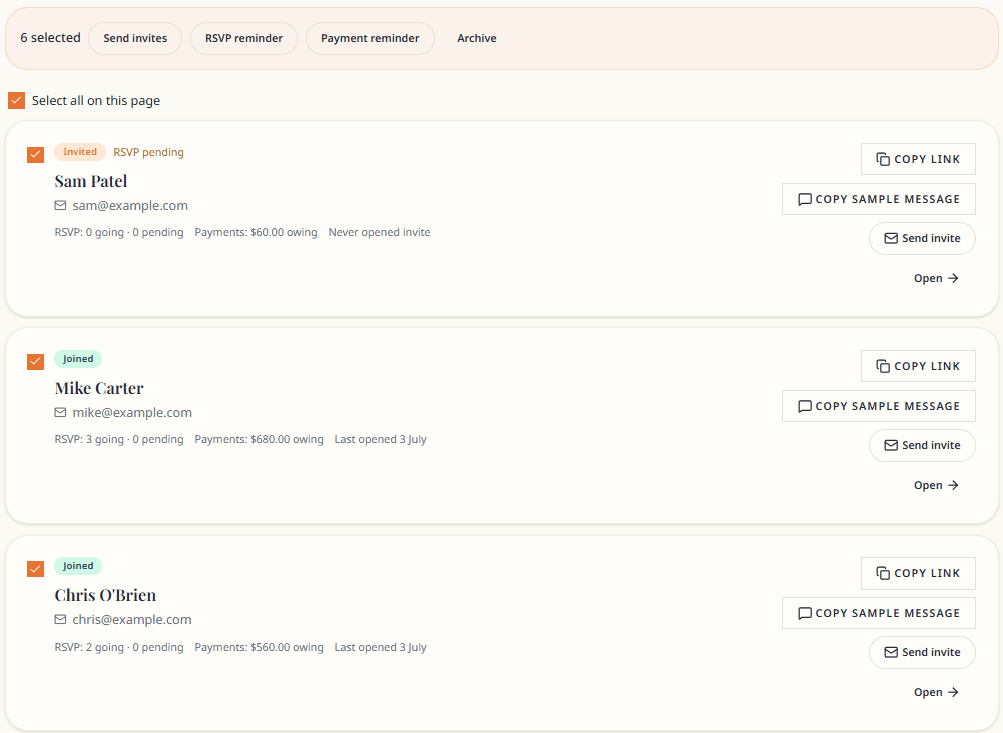
Select guests with checkboxes:
- Send invites
- RSVP reminder
- Payment reminder
- Archive
Guest of honour
Mark on guest profile. Used to exclude someone from shared cost splits (buck/hen/birthday person).
Import format
CSV columns: name, email, phone (header row required). Imported guests are Invited — send invites separately.
Export
Download your guest list as CSV from the Export CSV button on the Guests page.

How guest invites work
An expandable guide on the Guests page walks through the five-step flow from add → invite → join → hub.
Privacy
Guests see each other's names and status on the hub Who's coming list — not email or phone.