
For Organisers
Account Settings
Profile, avatar, email, password, and delete account.
Settings (/settings) — your organiser account (not per-event).
Profile
- Display name — shown in the app
- Avatar — upload JPG/PNG; initials shown if none
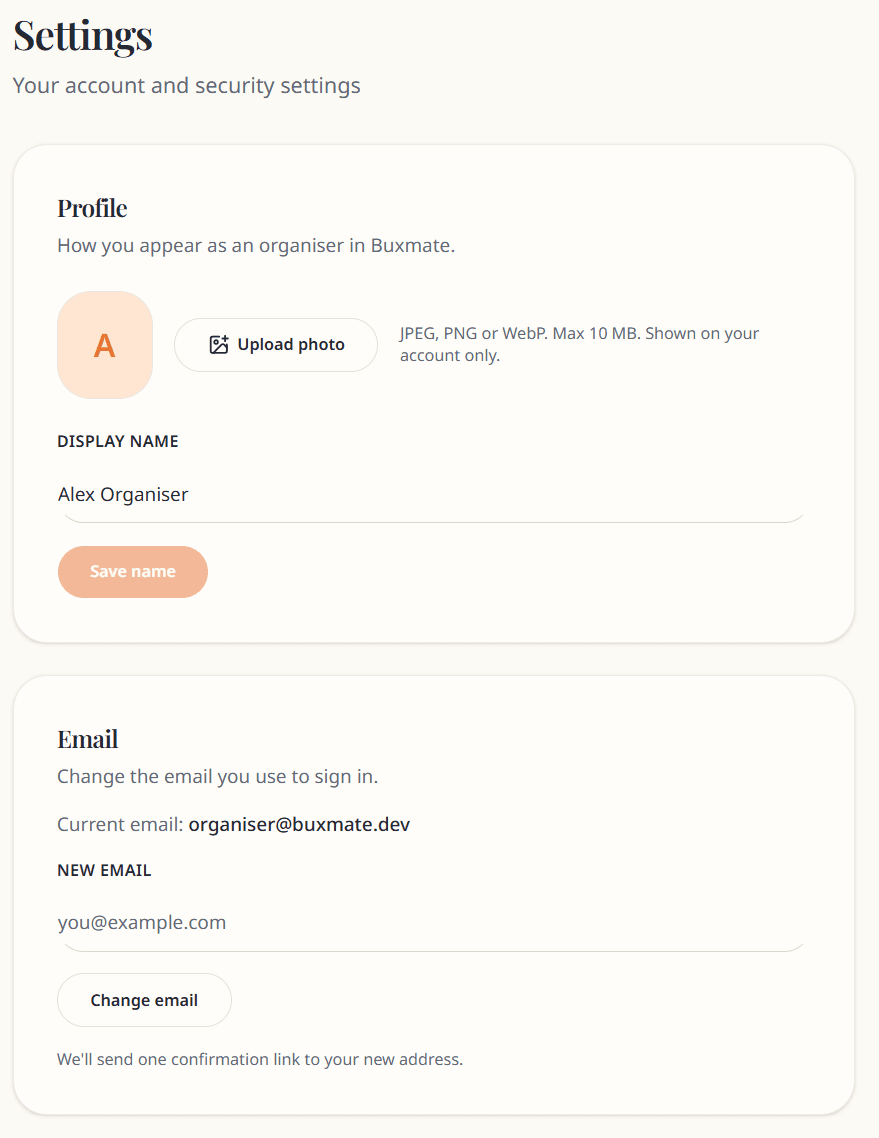
Change your login email:
- Enter New email
- Submit — verification link sent to the new address
- Click link to confirm
Until verified, the change may not complete.
Password
Update password from Password section. Other sessions are signed out after a password change.
Delete account
Permanently deletes:
- Your organiser account
- All events you created
- All guests, activities, payments, photos, and posts
Guests lose access to those events.
- Open Delete account
- Type your email to confirm
- Delete my account
This cannot be undone. For partial data export before deleting, see the app's data export documentation or contact support.
Log out
Use Sign out from the top bar menu.
Privacy links
Footer links to Privacy, Terms, and Cookies on auth pages.
Support: hello@buxmate.com