
Event Settings
Edit event details, cover image, guest link slug, duplicate, and archive.
Settings (/events/{id}/settings) for one event.
Guest link
Your public guest hub URL: app.buxmate.com/e/{slug}
- Edit Link slug — lowercase, hyphens; old links redirect automatically
- Suggest from event name — auto-generate a slug
- Copy guest hub URL
Changing the slug updates what you share going forward. Legacy slugs keep working.
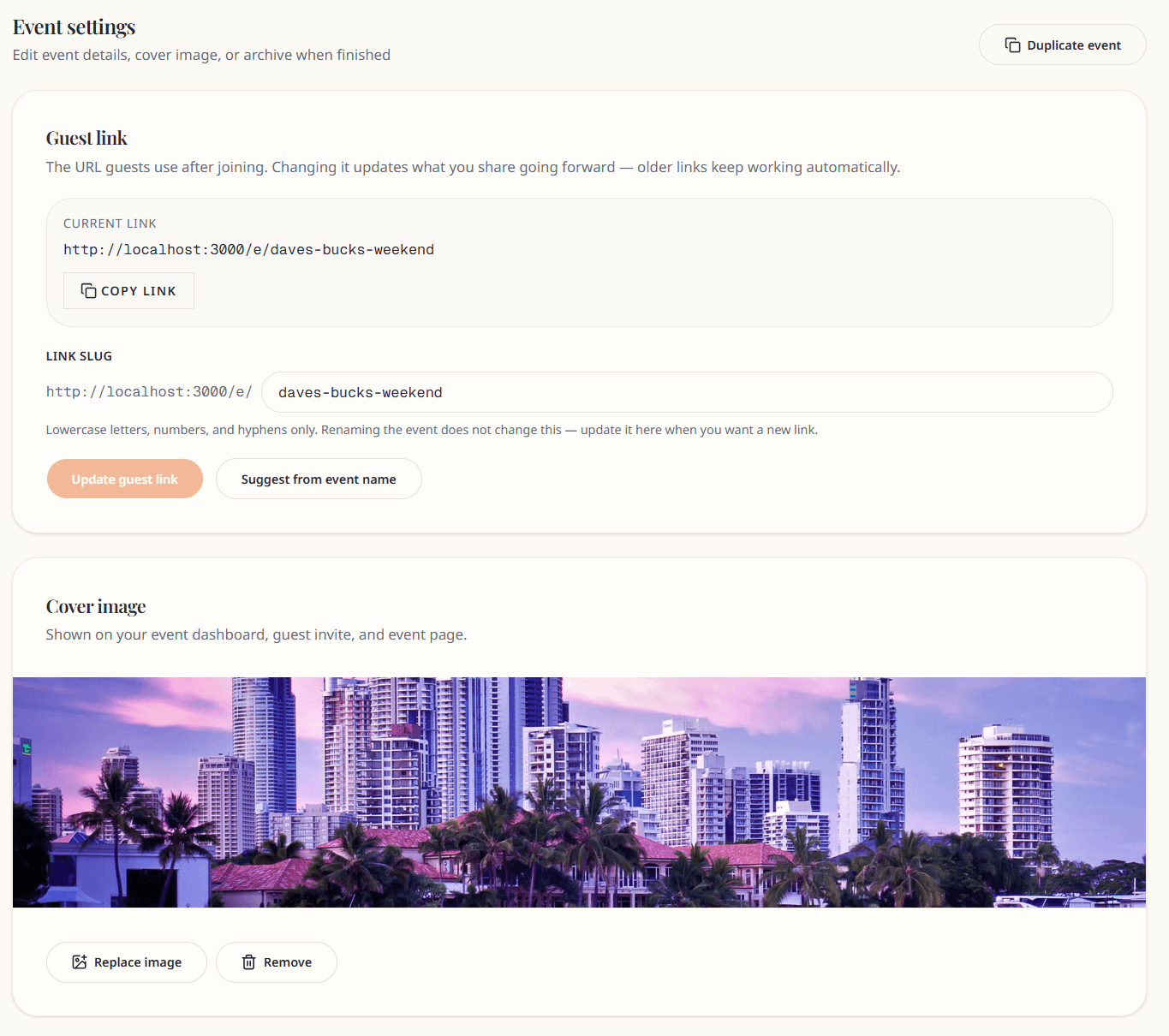
Cover image
Upload or remove the event cover shown on:
- Guest join page
- Guest hub overview
- Event cards on your dashboard
Recommended: landscape image, under 10 MB (JPG, PNG, WebP).
Event details
Edit form fields:
- Event name, type, location, dates, description
- Status — Draft or Active (cannot set Archived here — use Archive section)
Click Save changes.
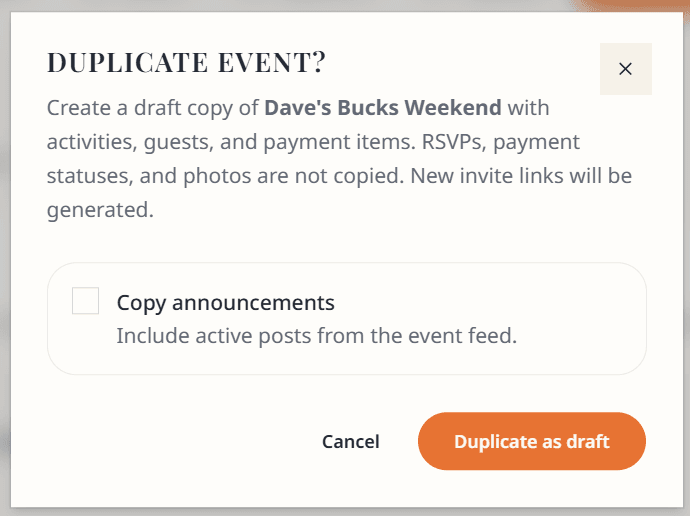
Duplicate event
Creates a copy named "(original name) (copy)" as a new Draft event.
Copies: activities, guests (new invite tokens), payment items (allocations reset to unpaid).
Does not copy: RSVPs, payment records, photos, or announcement history.
Optional: Copy announcements checkbox.
Archive event
When the event is finished:
- Scroll to Archive event
- Confirm
Organiser: read-only management; event stays in your list with Archived badge.
Guests who joined: can still view the hub read-only. See Archived events (guests).

Archived events cannot be un-archived yet.
Archived event settings
Slug and details are read-only. Duplicate is hidden. Archive section shows confirmation message only.