
For Guests
Archived Events
Read-only guest access after the organiser archives an event.
When the organiser archives an event, it is finished. Guest access changes but is not removed entirely.
If you already joined
You can still open your invite link or guest hub URL.
A banner explains:
This event has ended. You can still browse your itinerary, payments, photos, and updates, but RSVPs and other changes are closed.
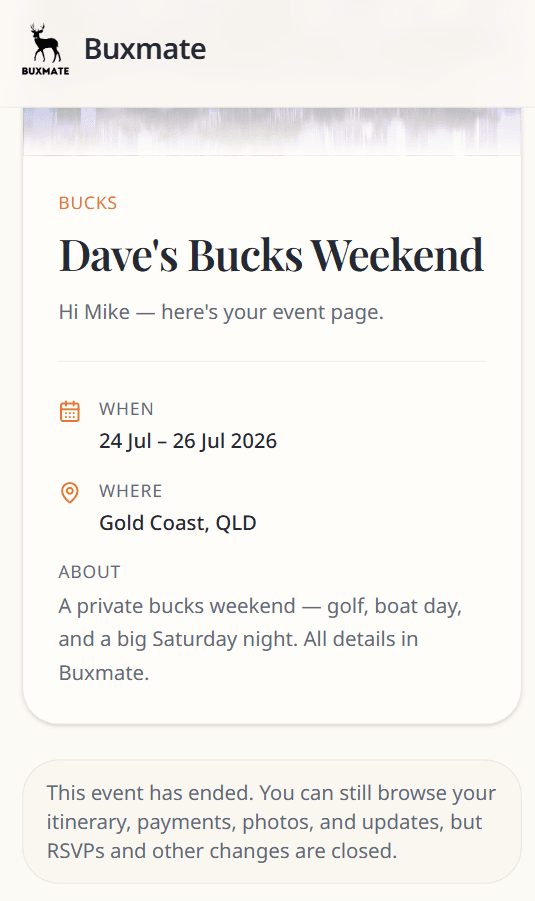
You can still view
- Event overview and itinerary
- Your RSVP choices (frozen)
- Payment summary and How to pay instructions
- Announcements
- Photos
- Who's coming guest list
- Your contact details (read-only)
You cannot
- Change RSVPs
- Edit your contact details
- Upload or delete photos
If you never joined
If you were only Invited and the event is archived before you joined, the invite link shows Invite not available.
Contact the organiser if you still need information from the event.
Organiser side
Archiving freezes planning but preserves records. Organisers can duplicate the event as a new draft for a future trip.
See Event statuses.