
RSVPs & Payments
RSVP to activities, understand your share, and pay the organiser directly.
RSVP to activities
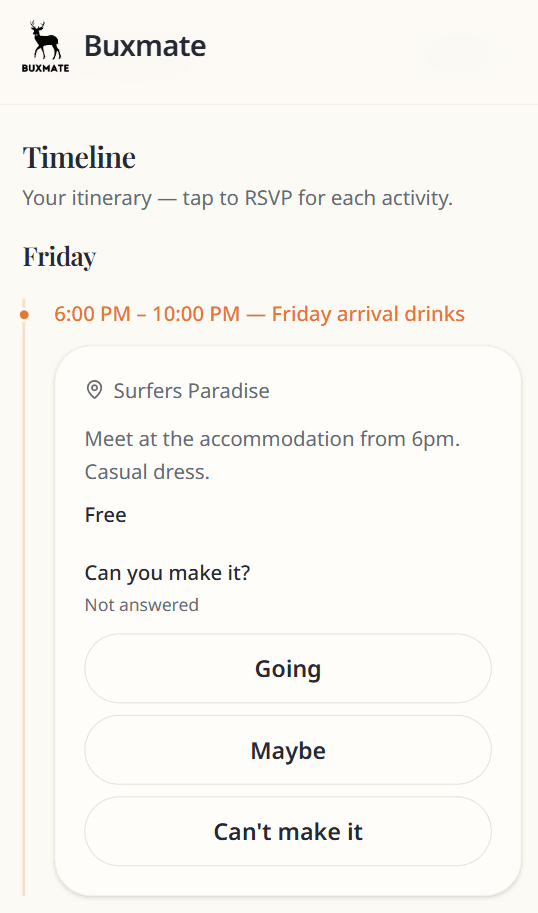
On the Timeline, each activity asks Can you make it?
| Button | Meaning |
|---|---|
| Going | You attend — included in cost splits for that activity |
| Maybe | Uncertain — not counted in cost splits |
| Can't make it | Not attending — not charged for that activity |
Your current choice is highlighted. Tap another button to change (until the event is archived).
RSVP changes may update what you owe if activity costs are split among Going guests.
Your RSVP summary
Your RSVPs section shows counts across all activities.
Payments section
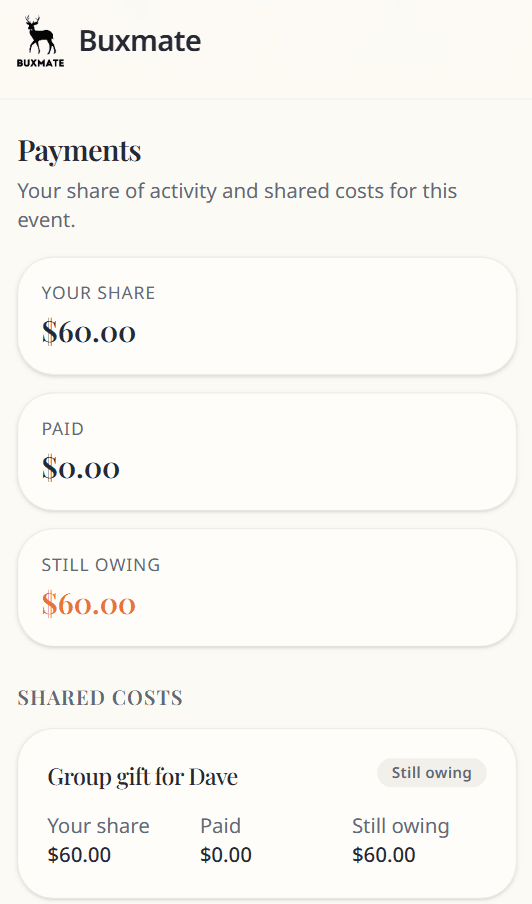
Three summary cards:
- Your share — total allocated to you
- Paid — amount the organiser has recorded
- Still owing or Credit — remainder
Line items
Activity costs — from activities you marked Going.
Shared costs — event-wide items split by the organiser (e.g. group gift).
Each row shows status: Still owing · Part paid · Paid · Credit · Waived.
How to pay
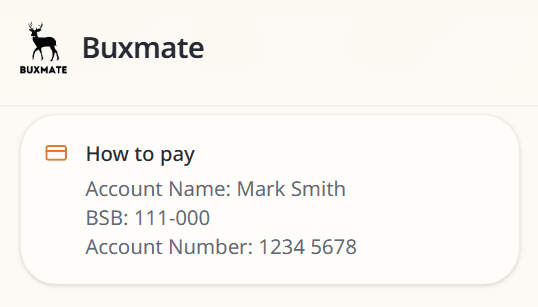
The organiser adds payment details — bank transfer, PayID, etc. Buxmate does not process card payments.
Send money directly to the organiser using their instructions. The organiser marks payments as received on their side.
Partial payments
If you pay in instalments, the organiser records each payment. Your Paid and Still owing amounts update accordingly.
Questions about amounts?
Message the organiser — they can explain splits or adjust overrides if something looks wrong.
Archived events
When the event ends, RSVPs and payment-related edits are locked. You can still view your history. See Archived events.