
Guest Hub
Your private event page — overview, guest list, timeline, announcements, and photos.
After joining, your hub lives at:
https://app.buxmate.com/e/{event-slug}Bookmark it or save the invite link. One scrollable page — no separate app sections.
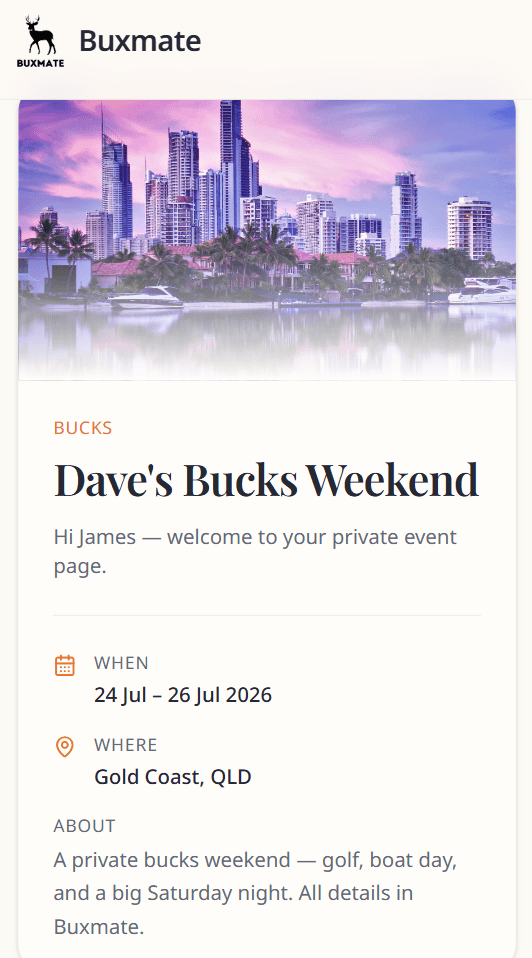
Event overview
Top card with event name, type, cover image, dates, location, and description.
Your details
Update name, email, and phone so the organiser can reach you.
If the organiser did not have your email, you may see Add your email highlighted — recommended for reminders.
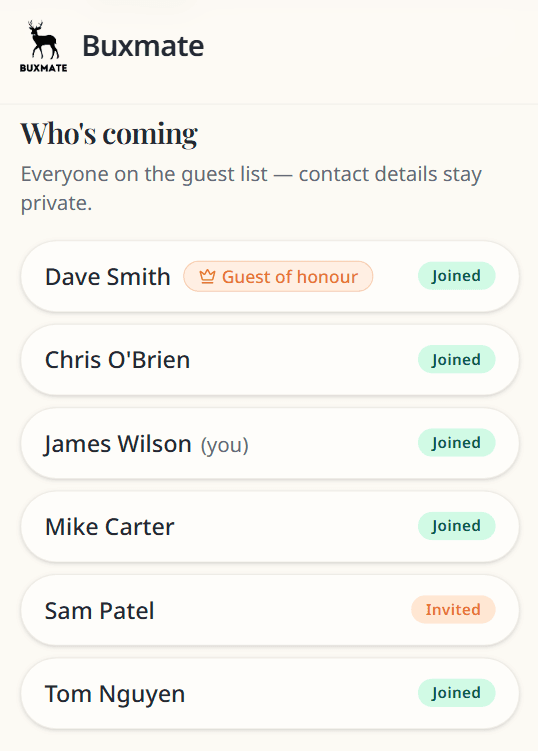
Who's coming
See everyone on the guest list:
- Names only — no emails or phone numbers
- Status badge (Invited, Joined, etc.)
- Guest of honour badge where applicable
- (you) marker next to your name
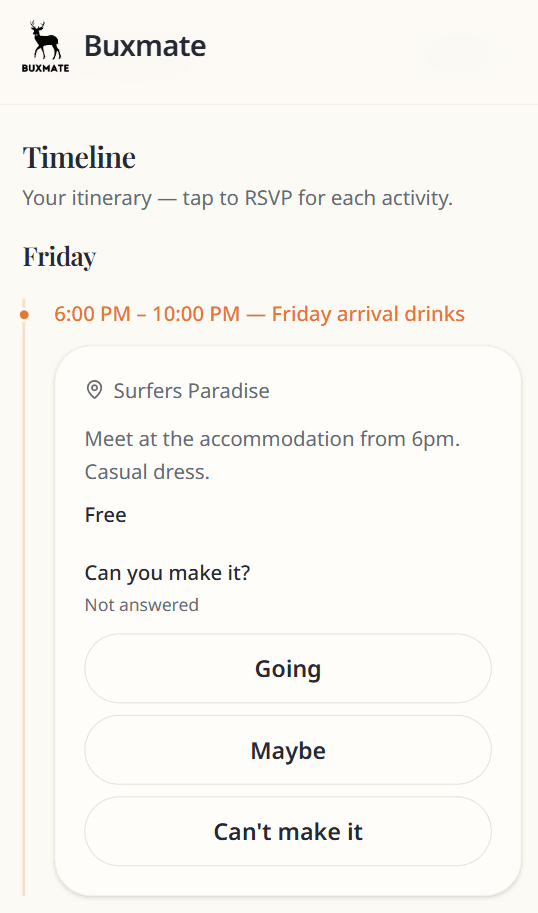
Timeline
Your itinerary in order. Each activity shows time, title, location, cost, and RSVP buttons.
See RSVPs & payments.
Your RSVPs
Summary counts: Going · Maybe · Can't make it · Not answered.
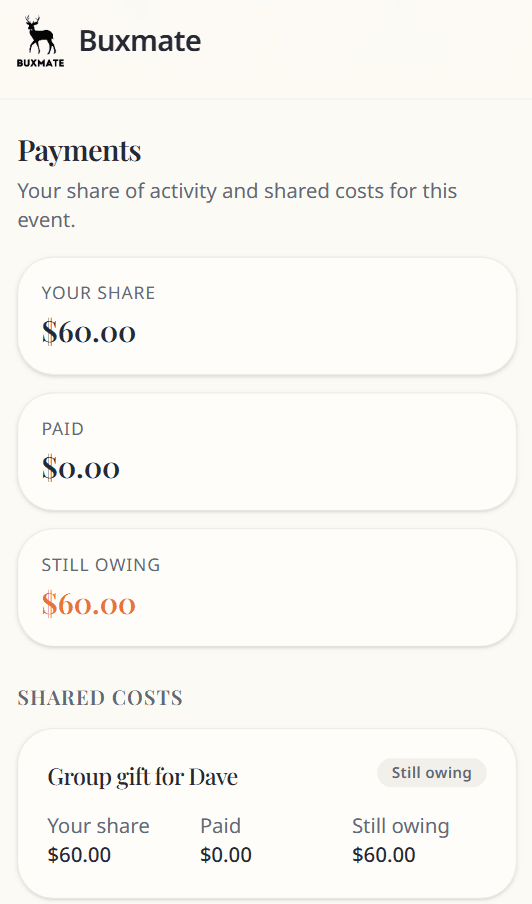
Payments
Your share, paid amount, and still owing — plus line items and How to pay instructions from the organiser.
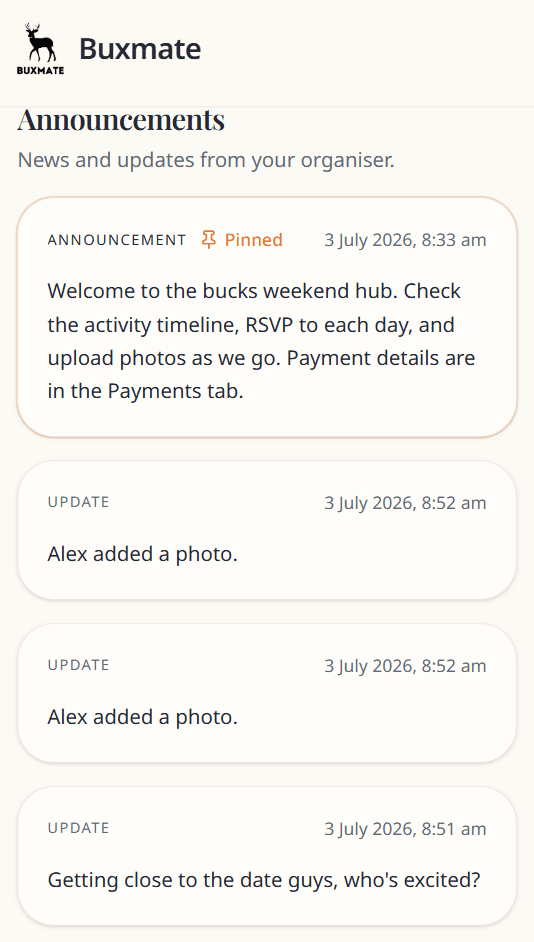
Announcements
Organiser posts — pinned items first. Read only.
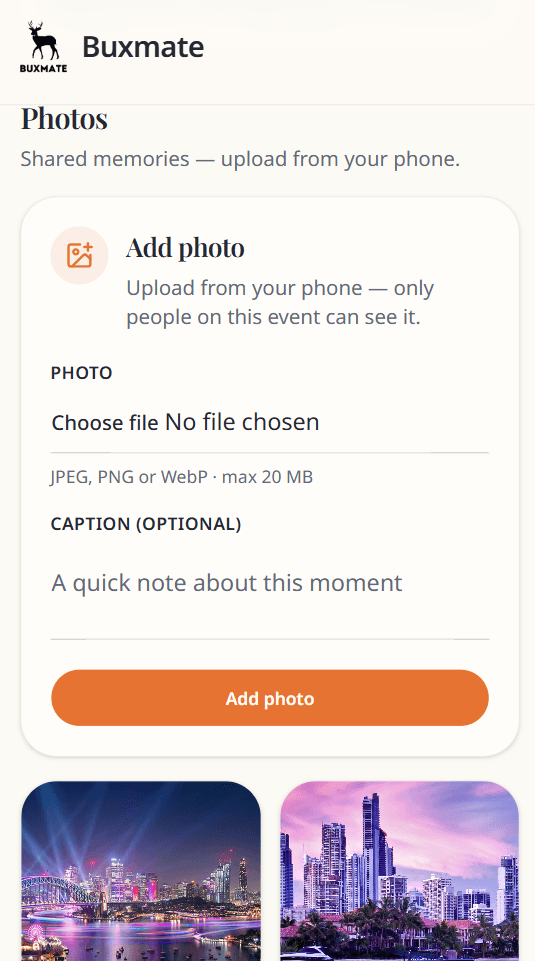
Photos
View the shared gallery. Upload from your phone. Delete only photos you uploaded.
Lost access?
Open your original invite link again, or ask the organiser to resend it.
Organiser?
Organiser sign in in the header is not for guests.